
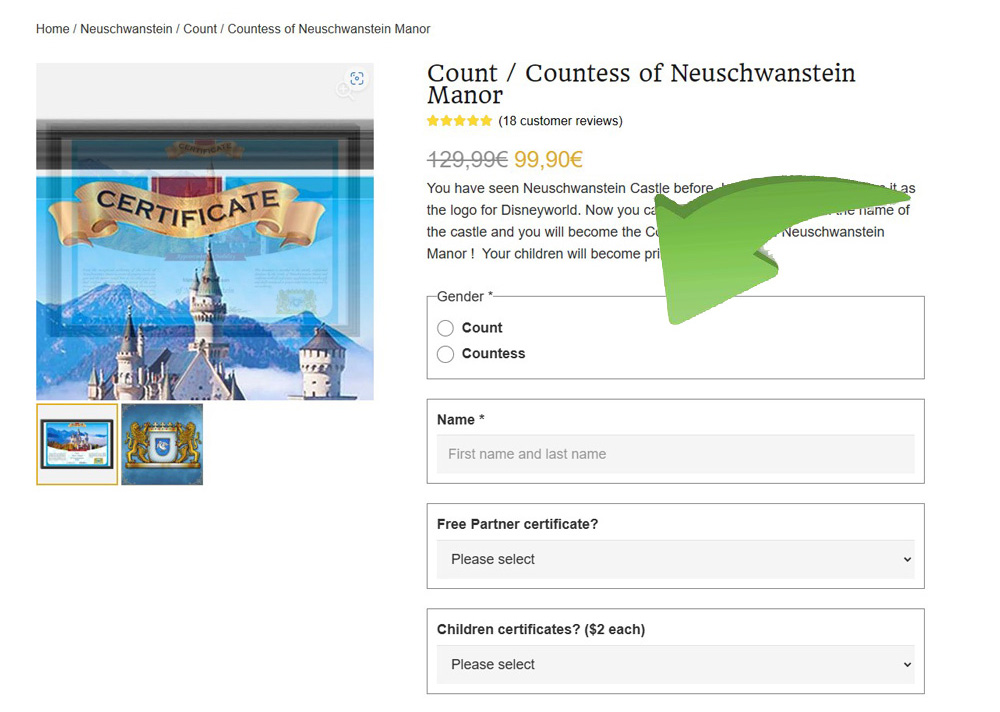
Enter the names
Enter the name for the main certificate exactly as it should appear. Add the included partner certificate if desired and select any additional certificates or accessories.
A clear step-by-step guide for personalising your certificates and redeeming a voucher or coupon.
Enter the name for the main certificate exactly as it should appear. Add the included partner certificate if desired and select any additional certificates or accessories.
Review the selected title and options, then choose “Add to cart”. Continue to the cart when all names and additions are complete.
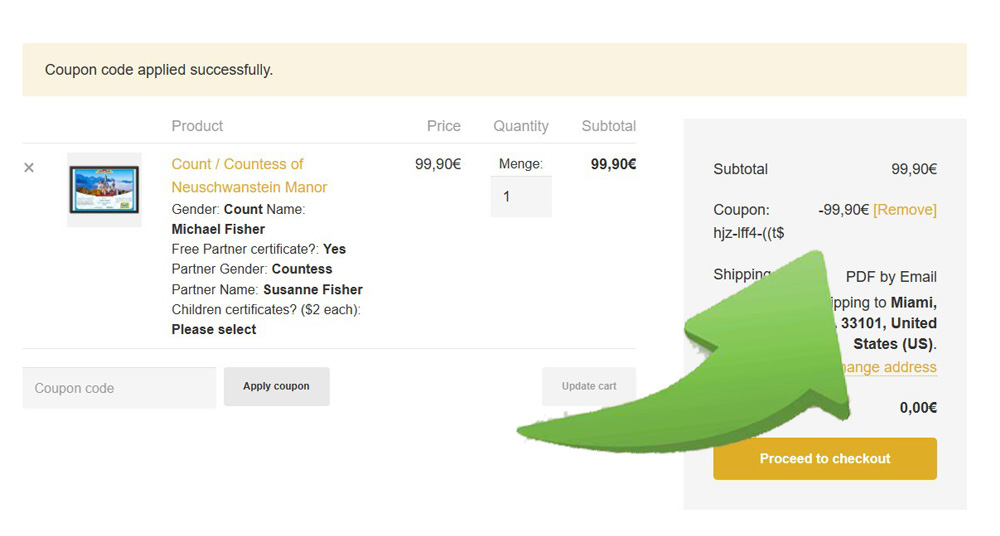
Paste the redemption code from your voucher into the coupon field and choose “Apply coupon”. The applicable voucher amount is deducted automatically.
Use the redemption code rather than a voucher order number. Copying and pasting avoids confusion between characters such as zero and the letter O.
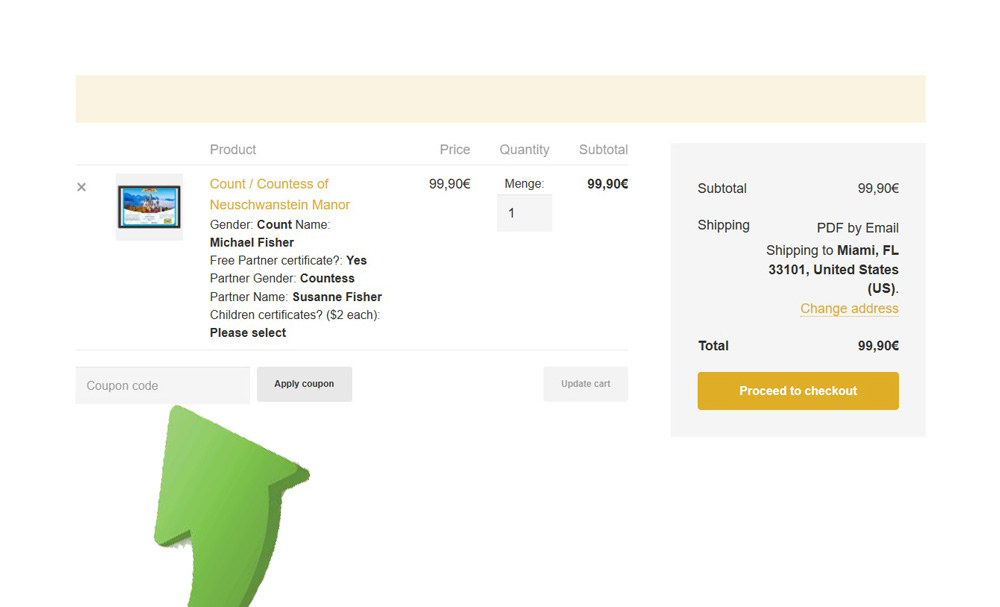
Confirm the correct title, names, partner certificate and any chargeable accessories before checkout.
Your email address is essential for order confirmation and access to the personalised digital documents.
If a correctly copied code produces an error, contact us with the code and a short description. Do not publish the code publicly.

Let us prepare the certificate in your chosen name.
Choose your Neuschwanstein titleShop nowChoose your Neuschwanstein titleShop now